Get started with Trove
Bolster your sales & product team with Trove
Get started with Trove
Bolster your sales & product team with Trove
A buyer in your sales office picks espresso cabinets, slate countertops, navy siding, and a charcoal shingle in your Design Studio. They love the combination. Then they ask the question every salesperson on a manufactured home lot has heard: "But how does it actually look on this home?"
Until now, the honest answer was close, but not exactly. The Design Studio shows decor combinations on a stylized template — fast, helpful for narrowing choices, but not a picture of their specific floorplan. Smart Renderings closes that gap.
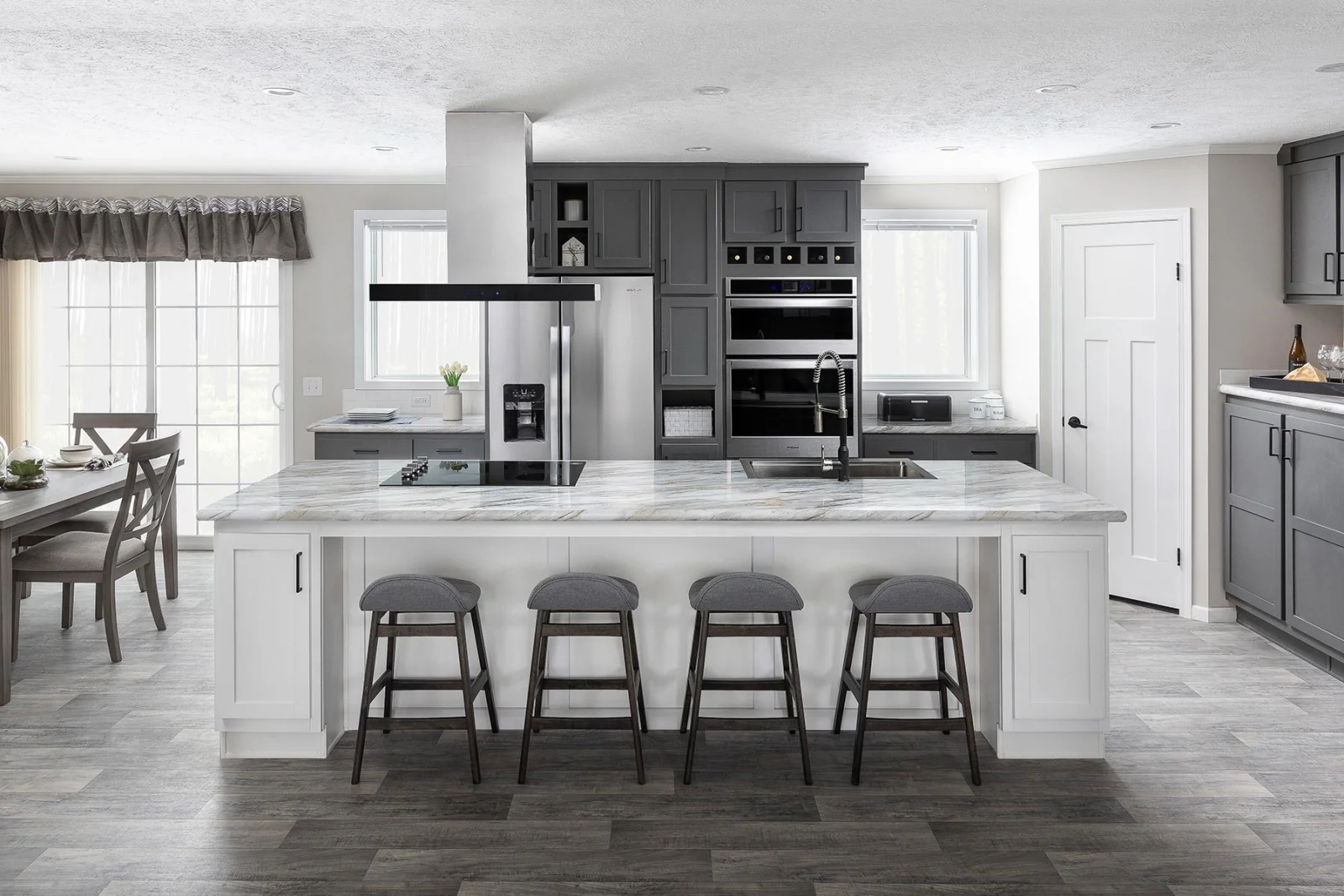
Smart Renderings is a new layer inside the Design Studio. Once a buyer has finished configuring a home, your sales team can generate a set of images that map their decor selections onto real photos of the specific floorplan they're buying — factory photos that came with the model, or photos your own team uploaded from the lot.
So instead of a generic kitchen with espresso cabinets, the buyer sees the kitchen of their double-wide, with their cabinets, their tile backsplash, their countertop, and their flooring.
 Side-by-side of an original factory photo and the same room re-rendered with the buyer's selected decor applied
We built Smart Renderings to fit how a sales team already works: review, refine, then send.
Smart Renderings applies decor selections to real photos. It's accurate most of the time, and not perfect every time. That's why we built it as a sales-team-first tool: a salesperson reviews each image, regenerates the ones that didn't land, and sends the buyer a polished set — not a raw output.
We'd rather ship a tool that asks for a 90-second review pass than a tool that occasionally sends a buyer a kitchen with three sinks.
The most expensive moment in a manufactured home sale is the gap between "I love this floorplan" and "I'm signing." Buyers cool off. They second-guess decor choices. They ask the cousin who used to install carpet whether the flooring is going to look right in person.
Smart Renderings narrows that gap. When the buyer can see their kitchen — not a stock kitchen — the conversation moves from abstract to concrete. Decor stops being a decision they're worried about and starts being a decision they've already made.
Smart Renderings is opt-in right now. We're rolling it out dealer by dealer so we can walk each team through the workflow and make sure the floorplan photos in your library are set up to get good results.
If you're already a Trove client and want to implement this in your Trove site, reach out to your account manager and we'll get a short call on the calendar to turn it on. If you're evaluating Trove and want to see Smart Renderings in your demo, get started here or book a walkthrough.
Continue reading with these related articles